Accessing the Gym with the GymMaster App
Simple, Secure Access—Right From Your Phone
Before accessing RaisedFit, you’ll need an active membership or drop-in pass through the GymMaster app. Once that’s set up, your phone becomes your key—no fobs, no cards, no hassle.
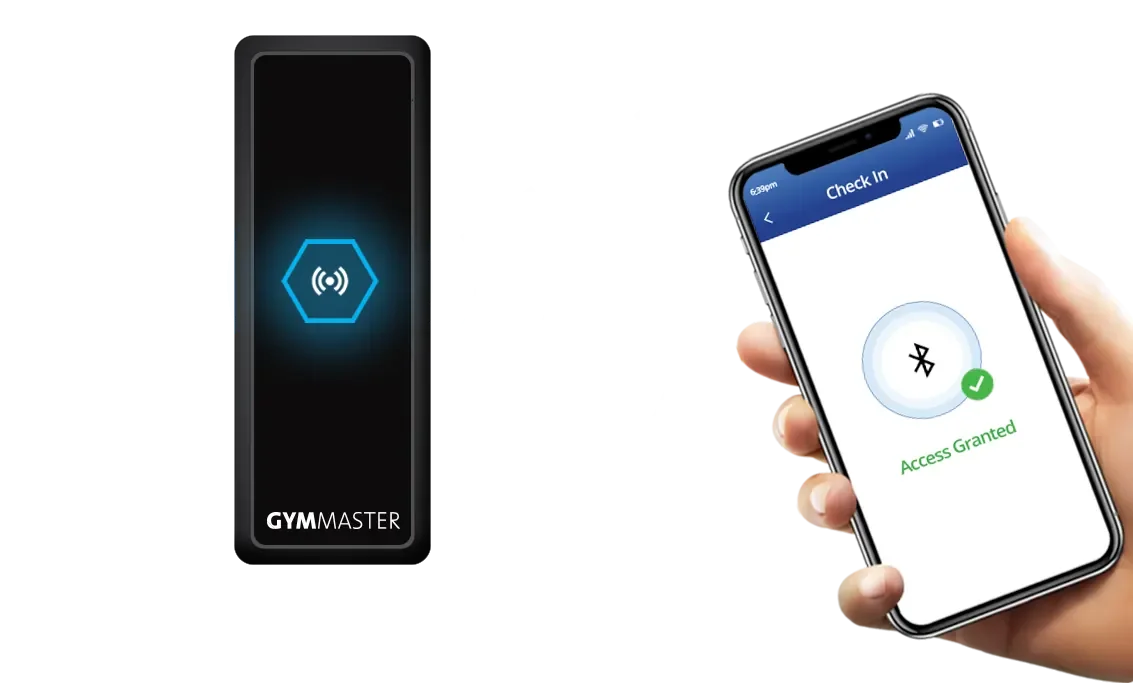
When you arrive at RaisedFit, just open the app and scan at the door. It’s quick, easy, and gets you training without delay.
How It Works
Purchase a Membership or Drop-In Pass
Select your membership or drop in pass. 💳Download the GymMaster App
Download the app on your phone here. 📱
Open the GymMaster App
Make sure you’re logged in before you arrive. ✅Select the ‘Check In’ Button and Scan at the Door
Hold your phone up to the exterior door scanner. 📲Door Unlocks
You’re in—start your workout. 💪🧘♀️🏃
Download the gymaster app